
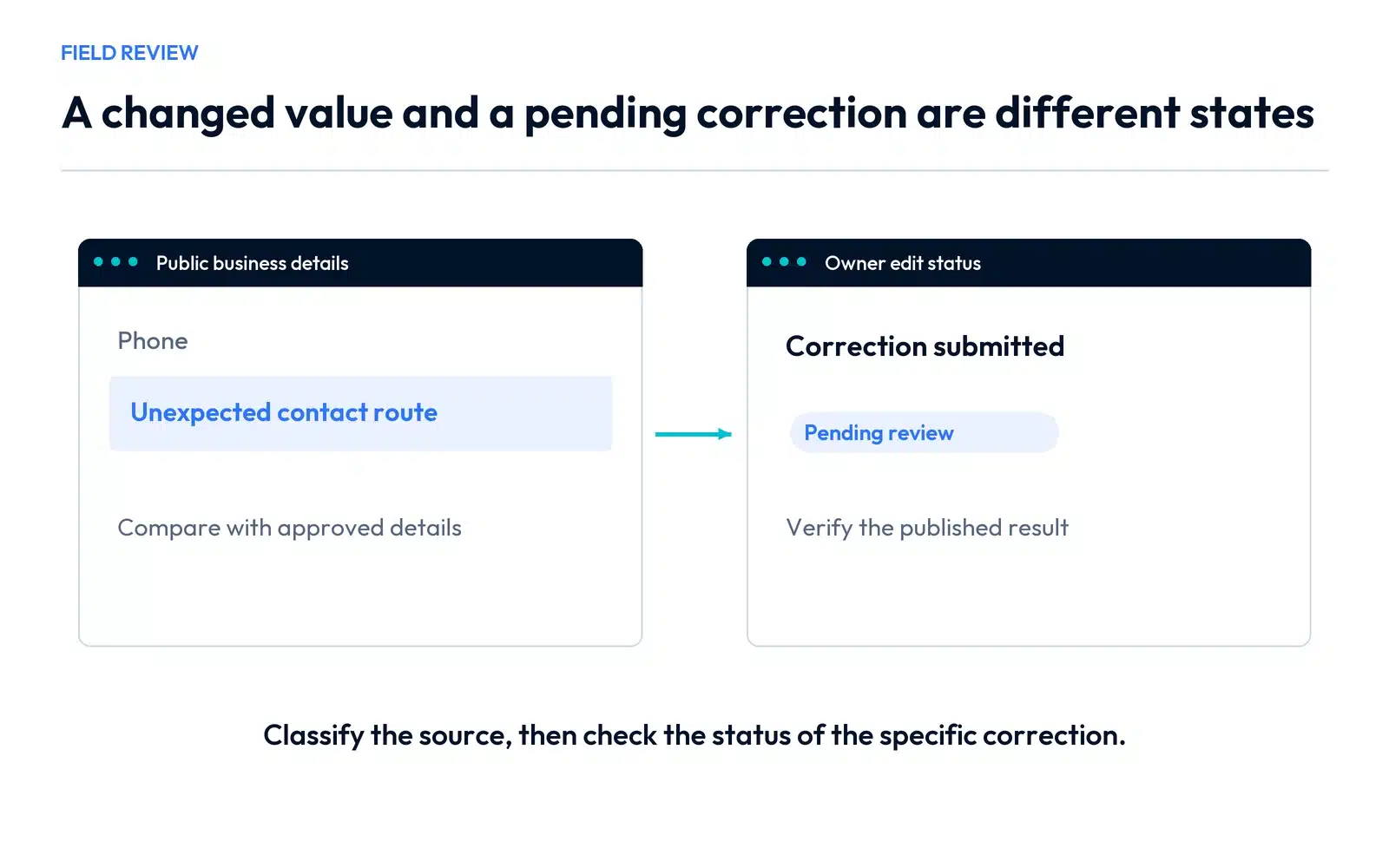
Google Business Profile edits can come from your team, a reviewed owner submission or information Google receives from other sources. If the public phone, hours or website changes unexpectedly, compare the field and its status before choosing a correction. An unwanted update does not by itself establish that someone accessed the account.
For a Vaughan service business, begin with the details that affect enquiries now: where calls go, which website opens and whether customers see accurate availability.
Compare the public field with the managed field
Open the public profile and the authorized editor. Write down the current value, the value supported by the real operation and the status shown. Check the website or other authoritative business record you control.
The distinction between three common situations is useful:
| Situation | What to inspect | Appropriate next action |
|---|---|---|
| Google update | Notification and the changed field | Review the proposed or applied information and the supporting facts |
| Authorized team change | Manager activity and internal instructions | Confirm whether the change was intended and accurate |
| Owner edit pending or not approved | Edit status | Follow the review or available appeal process for that submission |
Google’s updates guidance explains that information may come from sources including user reports and licensed data. In the editor, blue text identifies information changed by Google. Some updates cannot be managed entirely through the profile.
Review a suggested-edit notification promptly
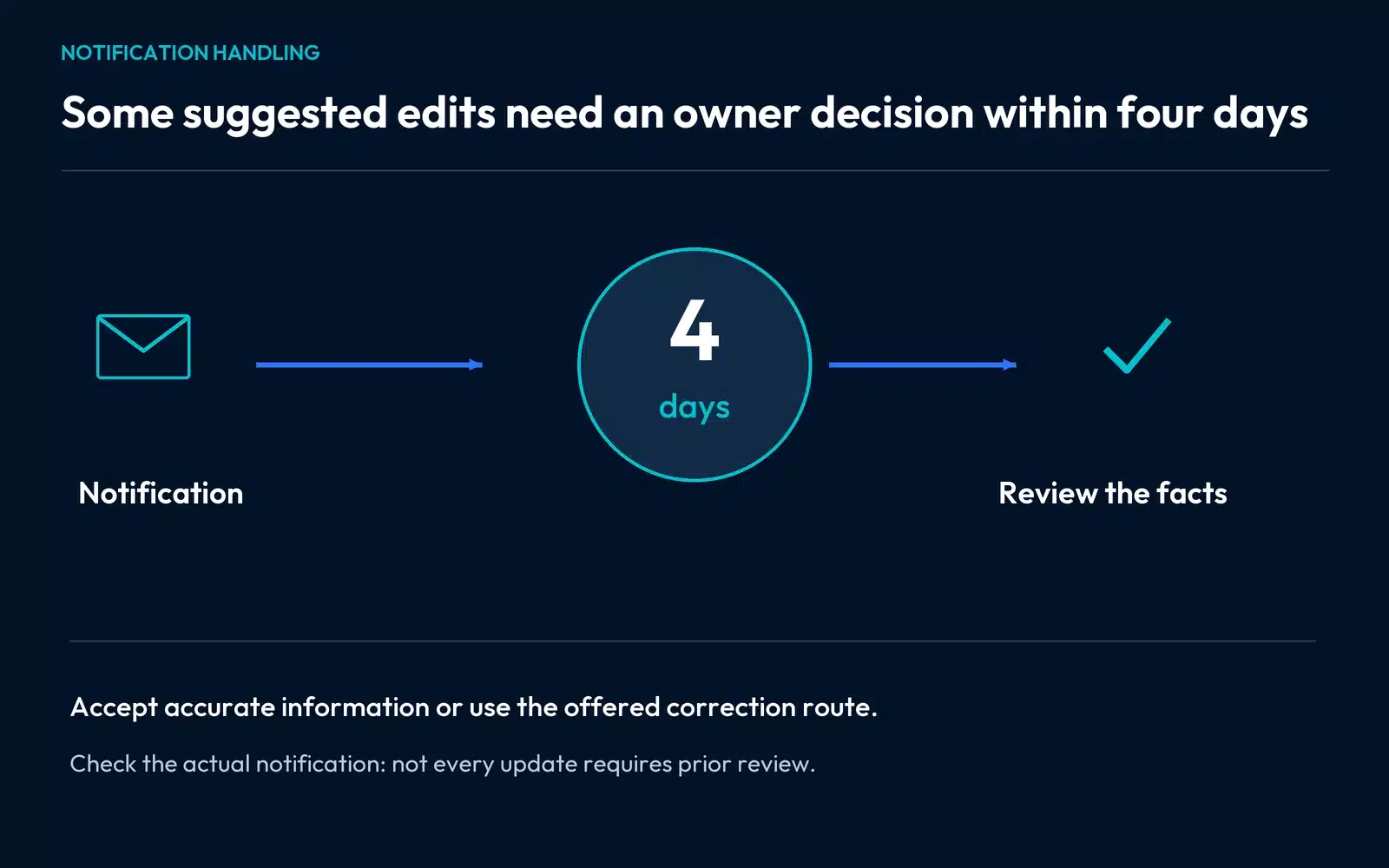
Some suggested edits are sent for owner review before publication. Google’s current guidance gives four days to accept or reject a notified suggestion; supported updates may be published automatically if the owner does not respond. Policy-related changes can also be applied without prior review.
Check the actual notification and the facts of the field. Accept accurate information, and use the offered rejection or correction route for inaccurate information. Keep an internal owner for these messages so they do not sit in an unmonitored inbox.
A review deadline is a reason to act on the notice, not a reason to reject every suggestion automatically. A suggested correction may be legitimate.
Work through a changed phone number
If the number shown publicly differs from your website, compare the full call route. Check the profile field, the website’s visible number and phone-link destination, any tracking number in use, and the team’s intended receiving line.
A useful change log can be filled like this:
| Field | Observed problem | Check completed | Next action |
|---|---|---|---|
| Phone | Public field differs from the approved contact route | Website and receiving-team number compared | Submit or review the supported correction |
| Source | The change is marked as a Google update | Editor notification checked | Review the update rather than treating it as an internal edit |
| Account | Authorized managers still have expected access | Team confirms no intended change | Continue the field investigation; handle security evidence separately |
| Result | A correction has been saved | Public status still needs verification | Confirm the visible number and call destination after processing |
Use real observations in each row. A log should distinguish a saved request from a confirmed public correction.
Check authorized access without assigning blame
Ask the people who manage the profile whether they changed the field or used a connected process. If there is evidence of unauthorized access, follow the account-security process and review authorized management separately.
An incorrect public value, an internal misunderstanding and an access problem can require different remedies. Avoid naming a competitor or colleague as the cause without evidence.
Read an owner edit’s actual status
Google’s edit-status guidance distinguishes accepted, pending and not-approved changes. Follow the status for the particular edit; a public value that has not changed may still be under review.
For a rejected correction, use any eligible appeal route offered and provide relevant support for the accurate business information. For a pending correction, preserve the submission and monitor its status rather than repeatedly changing unrelated fields.
If the issue follows a real move, use the address-change checklist. The website, location information and booking instructions need a coordinated handoff.
For an address or marker discrepancy, use the business-address and map-pin diagnostic to identify the record that needs correction.
For organizations with several branches, use the checklist for keeping the details of multiple locations distinct.
Investigate a recurring discrepancy
When the same detail changes again, compare the profile with prominent public records and sources you control. A website footer, old directory entry or booking page may still contain conflicting information.
Prioritize specific inaccurate references. A bulk listing campaign is a poor substitute for knowing which field is wrong and which record needs correction. Assign each controlled source an owner and confirm the public result.
Protect the enquiry route while resolving the field
Make the correct contact details easy to find on the website and ensure the receiving team knows about the issue. Check the actual call or form path. Then assess visibility separately using consistent searches.
Our Vaughan SEO services can review the public profile, website information and enquiry destination together. Contact SERP Radius with the affected field and status so we can identify the appropriate work around Google Business Profile edits.