
A customer tells you they left a Google review. You check the profile and cannot find it. Or the review count changes without an obvious explanation.
It is tempting to assume the profile is broken, a competitor reported the review or a recent website change caused it. None of those conclusions follows from a missing review alone.
The useful starting point is narrower: establish what disappeared, when it happened and whether the issue affects one review or the whole profile. Then follow the evidence. That diagnostic approach matters more than a long list of possible explanations.
Identify which review problem you have
There are several different situations behind the phrase “Google reviews not showing”:
- A new review has never appeared publicly.
- A previously visible review has disappeared.
- The displayed review count differs from the reviews you can see.
- Reviews seem to be missing after a profile change or merge.
- Reviews appear on Google but are missing from a website widget.
The last situation is particularly easy to confuse with a Google problem. If the review appears on the profile but not on your website, investigate the widget or integration separately. Changing the Business Profile will not necessarily fix the website display.
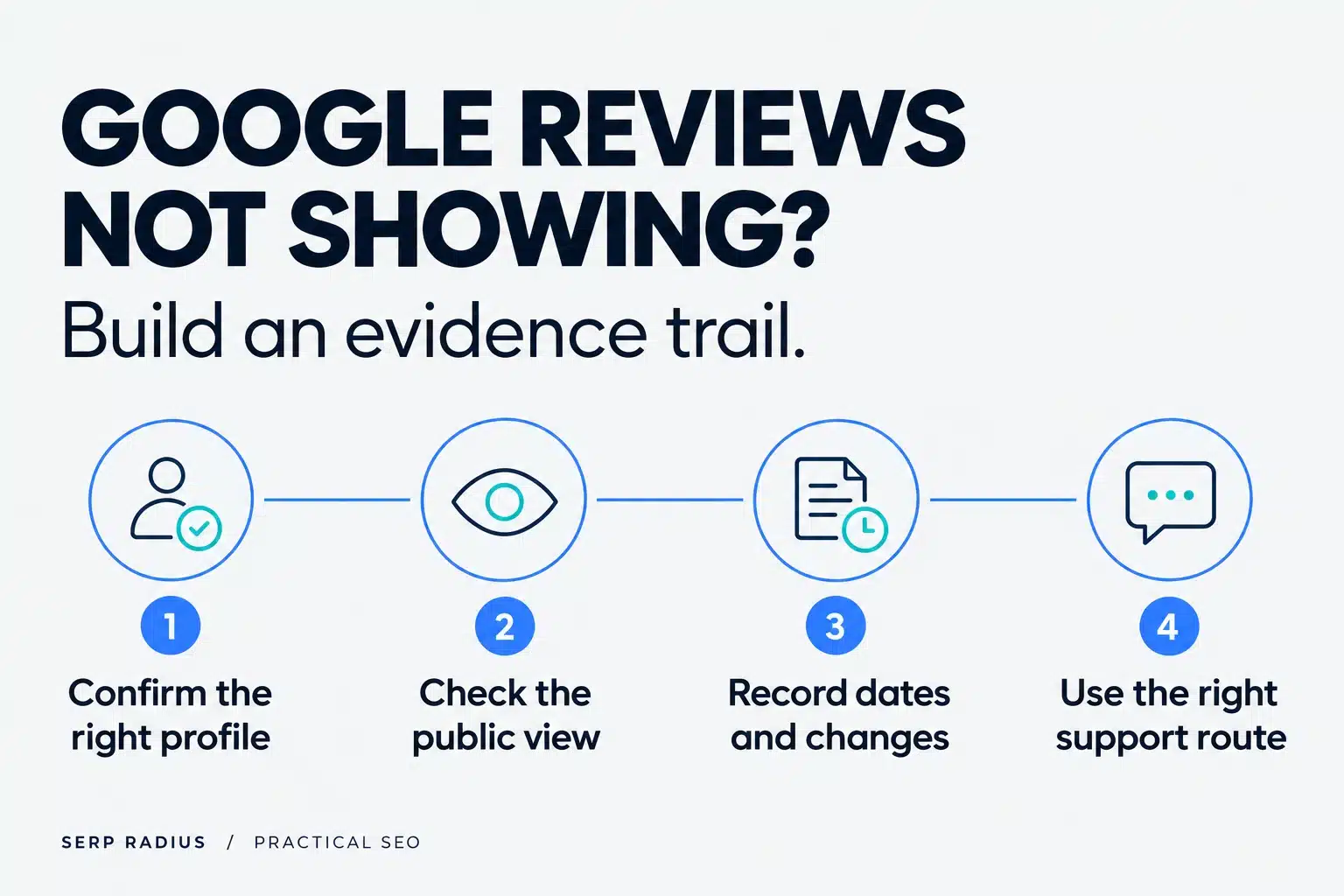
Record the situation before you start contacting support or changing settings.
Check the public profile, not just a screenshot
Open the actual Business Profile and confirm that the business name and location are correct. If a customer has shared a screenshot, compare it with the live listing.
For a business with multiple branches, make sure the review was left for the expected location. A review attached to another branch has not necessarily disappeared. It may simply be associated with a different customer visit.
If there is an old or duplicate profile, record its link as well. Do not delete listings or request a merge just because you suspect the review might be elsewhere. Establish the profile relationship before taking that step.
This is the same reason our Google Business Profile guide treats the profile, website and business information as connected parts of the customer's journey.
Use Google's explanations before relying on theories
Google's missing or delayed reviews guidance identifies several documented situations, including policy checks, delays after profile merges and reviews missing after reinstatement. It also explains that reviews removed for policy violations are not restored.
That gives you a factual starting point. It does not tell you why one particular review disappeared.
Be cautious with explanations that sound precise but cannot be verified. A review's absence is not proof that a specific device, internet connection or phrase triggered a filter. Label a possibility as a possibility until there is evidence behind it.
The distinction protects you from spending money on an invented diagnosis.
Build a short review incident log
You do not need a complicated reporting system. A small record is enough:
| Field | What to record |
|---|---|
| Profile | Link to the correct business location |
| Observation | New review absent, old review missing, or website-only display issue |
| Date | When the customer submitted it and when you checked |
| Business changes | Recent move, merge, reinstatement or other relevant event |
| Evidence | Public view and relevant screenshots |
| Action | Support reference and response, if applicable |
Avoid collecting unnecessary customer information. You are documenting a public-review issue, not building a private customer dossier.
The objective is to make the problem understandable to whoever investigates it next.
Review the request process as well
Missing reviews sometimes lead businesses toward tactics that create a bigger problem. Do not offer a discount for a review, write one on a customer's behalf or ask only satisfied customers to publish feedback.
Google's review policy prohibits incentives and selective positive-review solicitation. The safer operational approach is to invite honest feedback from genuine customers without trying to control the rating or wording.
An illustrative example: a clinic could send the same neutral review invitation after eligible appointments. The request should not promise a benefit for leaving a review or redirect unhappy patients away from the public option.
The goal is an authentic feedback process. A temporary increase in review count is not worth undermining it.
Know what support can and cannot establish
If the issue persists, use the support route linked from Google's guidance and provide the incident record. Explain whether one review or several are affected and whether the profile recently changed.
Support may need more information. Keep the case reference and record the response rather than opening multiple disconnected requests with different descriptions of the same issue.
An agency can help organize the evidence and review the profile. It cannot promise to restore a review, bypass Google's moderation or determine the internal reason for every missing submission.
Be especially cautious if somebody offers guaranteed review recovery before examining the profile.
Missing reviews and a missing listing are separate issues. If customers cannot find the business itself, start with the Google Maps visibility diagnostic. For the wider ranking context, read how reviews affect local SEO.
Keep reputation work connected to real enquiries
Reviews help a prospective customer assess a business, but review count should not become the only measure of local SEO performance. Check whether the profile sends people to the correct page and whether that page answers the questions they need resolved before contacting you.
Our approach to local SEO in Toronto connects profile accuracy, useful service pages and the enquiry journey. A profile with more reviews can still send visitors to an unclear page or a form that does not deliver.
Likewise, a missing-review incident should not automatically trigger a complete website rewrite. Fix the verified problem at the right level.
Questions business owners ask
How long should I wait for a new review?
Google says some checks can delay publication. Use its current guidance and the circumstances of the review; do not rely on an agency's guaranteed waiting period.
Should I ask the customer to keep reposting it?
Do not make repeated submissions your default fix. First check the correct profile, the public view and any documented issue. Avoid coaching customers to manipulate their feedback.
Does a missing review mean my profile is suspended?
No. Check the profile status itself. A missing review and an account restriction are different observations.
Resolve the issue without creating another one
Start with the right listing, separate a Google display issue from a website integration issue, record the evidence and follow the appropriate process.
If the problem is part of a wider local visibility or enquiry issue, contact SERP Radius. We can review the profile and the customer journey without promising a result nobody outside Google can control.