
Duplicate Google Business Profiles need an identity check before a merge or removal request. Establish whether the records represent the same operation, different eligible businesses or a management-access problem. Then request the correction that matches that relationship.
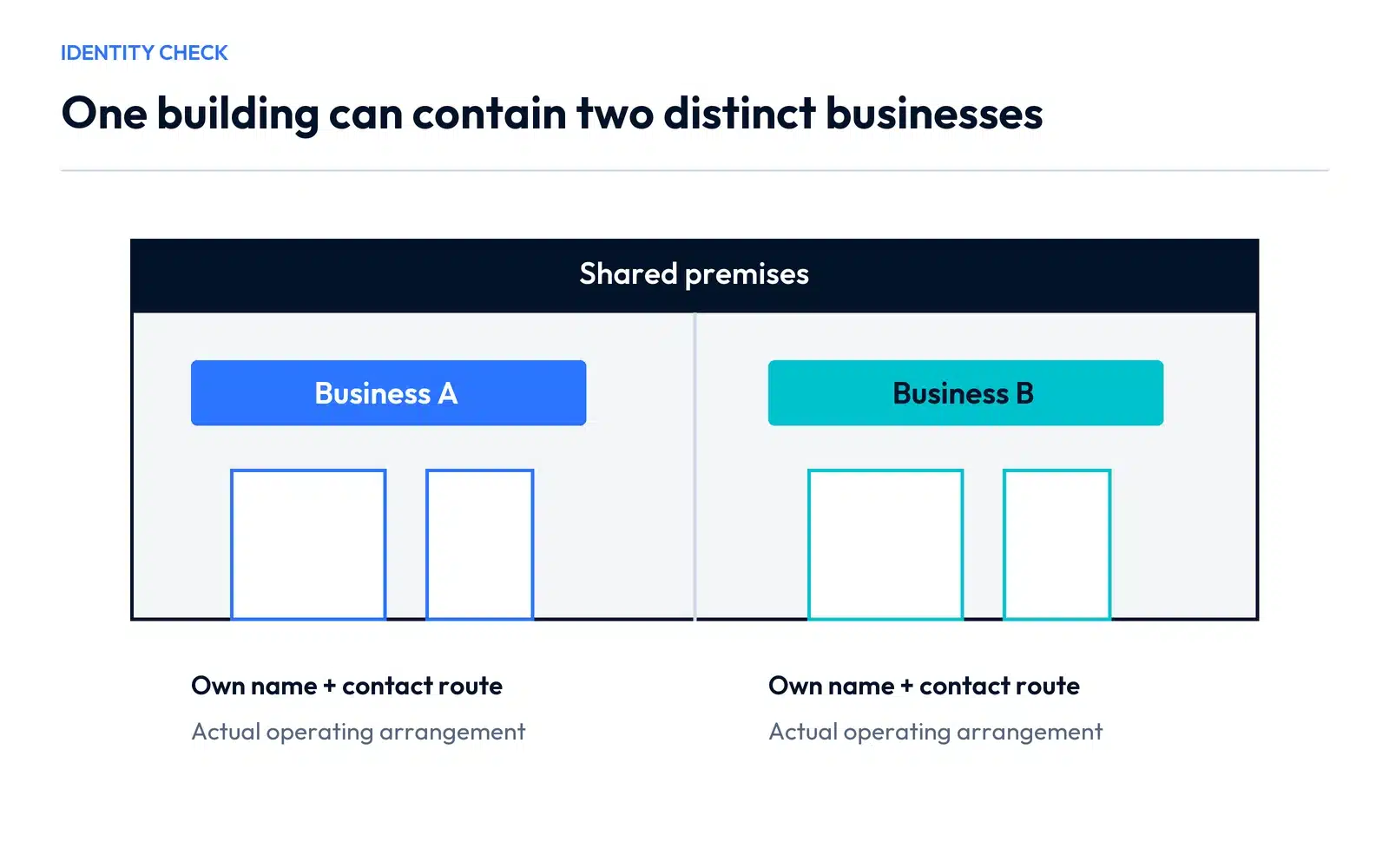
This distinction matters in shared buildings, including professional premises in Vaughan and Woodbridge. A common address or an incorrect website link does not establish that two businesses are the same entity.
For a second branch, start with the guide to separating legitimate business locations before organizing profiles.
Compare the public records side by side
Save the public Maps link for each profile. Compare the name, phone, website destination, address or unit, actual operation and the account relationship. Look at the destination website itself rather than assuming that a familiar domain belongs to the profile displaying it.
For two separate businesses sharing premises, a useful comparison looks like this:
| Field | Business A | Business B | What the difference establishes |
|---|---|---|---|
| Public identity | Its own customer-facing name | A different customer-facing name | Two identities need investigation, not an automatic merge |
| Contact route | Its own phone and official site | Its own phone and official site | Each enquiry should reach the intended team |
| Premises | Its actual unit or arrangement | Its actual unit or arrangement | A shared street address can contain distinct operations |
| Problem found | A website link points to B | B’s own record is accurate | The inaccurate association is the immediate correction |
Use the actual details in your record. If the phone and website agree because both profiles describe the same company, the decision may be different.
Choose the right correction path
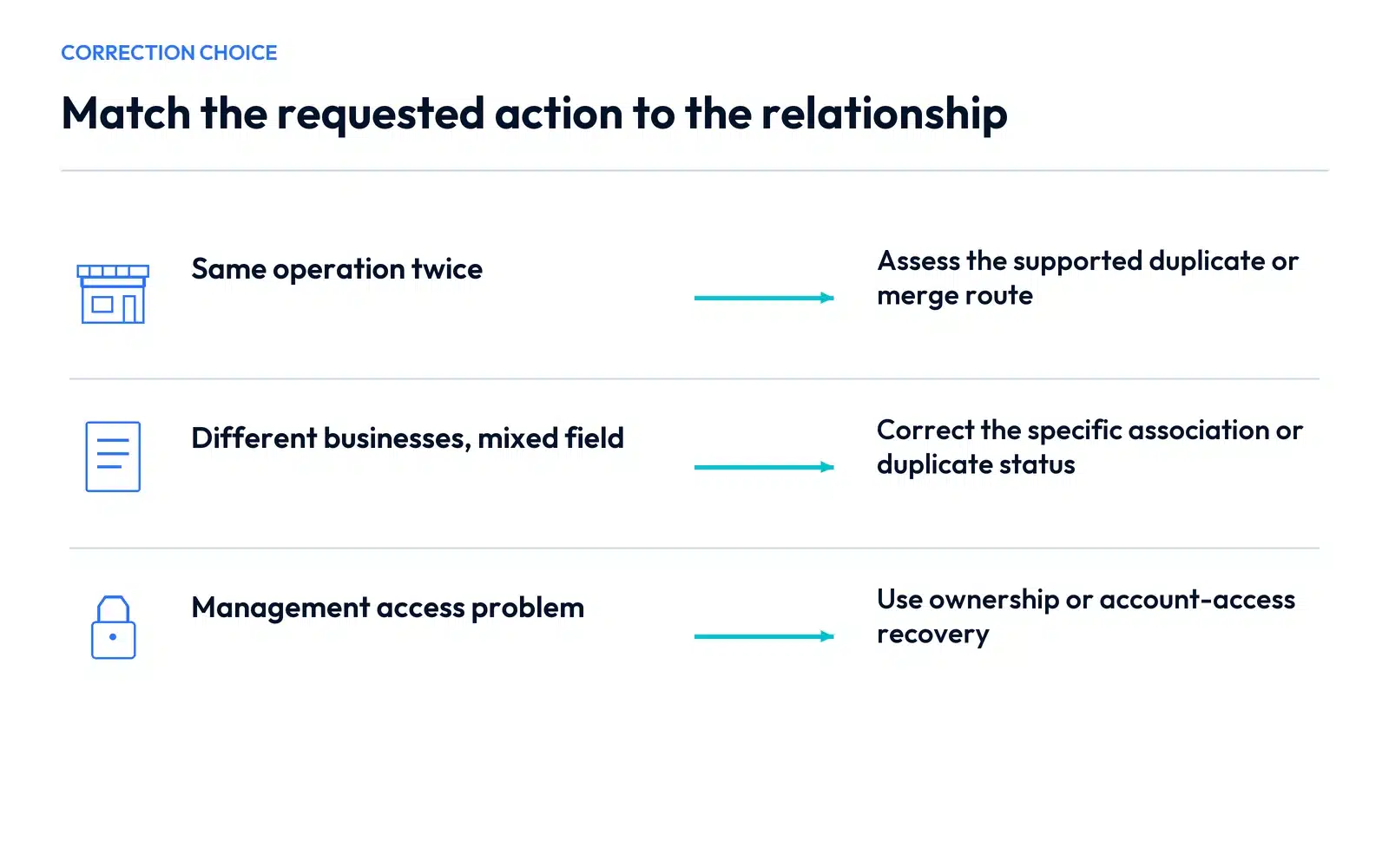
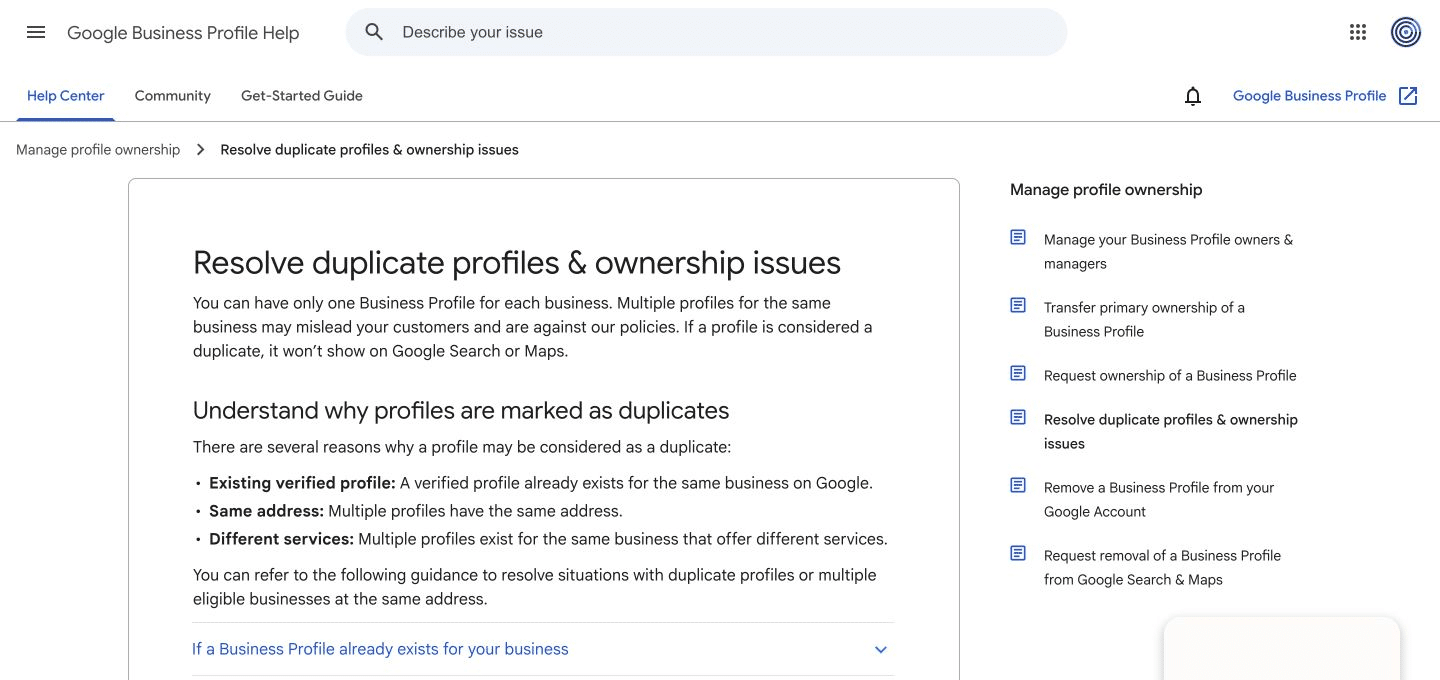
Google’s duplicate-profile guidance distinguishes existing ownership, mistaken duplicate status, accidental duplicate creation and merge requests. Start with the relationship you established.
The existing verified profile belongs to your business
If another account controls it, follow the ownership-request process instead of creating another profile. If it is an unverified existing record, follow the claim and verification route. Forgotten account credentials call for account recovery.
A failure to find the login is an access problem. Creating another place record can add a public-data problem to it.
Two records represent the same operation
For a merge request, Google directs owners to report a suggestion in Maps. The records must represent the same business and have consistent information; Google reviews the request. Its guidance explains that reviews are combined when a merge occurs, while review replies may be lost.
Before requesting action, identify the preferred accurate public record and retain the existing links and case details. Check current instructions for the exact situation. A profile you accidentally created in your own account and a public record needing a merge are not identical removal tasks.
Two distinct businesses were incorrectly associated or merged
Keep the entities separate in the explanation. Google provides a support route to appeal mistaken duplicate status for distinct eligible businesses and may require permanent-signage evidence when they share a location.
If only a field is wrong, describe that field precisely. A wrong website association does not automatically require a duplicate-status appeal. Your request should make the supported problem clear.
Write a request that makes the relationship understandable
For an incorrect website association, the explanation can follow this structure:
These profiles represent separate businesses. The first profile currently links to the second business’s website. The attached public profile links and official contact pages show the separate names and contact routes. Please review the incorrect website association on the first record.
For a genuine same-business duplicate, explain the same-business relationship instead. Include the relevant profile links and consistent business information through the appropriate process.
Provide evidence through the supported route and keep private account or customer information out of a public forum post. The useful evidence establishes identity and the requested correction.
Understand what removing management changes
Google’s account-removal guidance explains that removing profile content and managers from an account does not guarantee removal of the public place from Maps or Search. Content and access can also be affected by the chosen action.
Before selecting a removal control, write down the intended outcome: relinquish management, correct duplicate public records, address a genuine closure or repair a mistaken field. That one sentence can prevent selecting a control that does something different.
Handle moves and different services at their proper level
For the same business relocating, update the existing profile using the address-change checklist. Different services offered by the same business belong in its service information rather than automatically receiving separate profiles.
A genuinely separate eligible branch is another situation. Assess the actual operation before using a move or duplicate workflow.
Verify the public correction
After processing, open both saved public links. Check identity, website destination, phone, address and the route from your own website. An outdated embedded map or booking confirmation can continue to send customers to the wrong record.
Our Vaughan SEO services can review the public records and connected website information. Request a consultation with both profile links and the real business relationship so we can assess the appropriate scope for duplicate Google Business Profiles.