

Local SEO for a dental clinic should help a prospective patient answer three questions: does this practice provide the care I need, can I get there, and how do I request an appointment? Build the website around that decision path before expanding the number of pages.
For an Oakville practice, a useful plan connects accurate treatment information with genuine clinic details and a clear booking route. It should reflect the practice’s real services and location, with clinical statements reviewed by an appropriately qualified professional.
Give treatment pages a defined purpose
List the treatments the clinic actually provides. Group queries by patient task rather than creating a separate page for every wording variation. A page explaining a routine examination has a different purpose from one explaining a specific restorative treatment.
Each treatment page should clarify what the appointment concerns, what someone can ask the practice and what happens when they enquire. Avoid promising suitability, outcomes or recovery times without appropriate clinical review.
Use one primary page for each meaningful treatment topic. Repeating similar descriptions across several neighbourhood pages can make the site harder to maintain and leave patients unsure which information applies to their appointment.
Connect treatment information to a real clinic
The location page should own practical information about visiting the practice: its verified address, telephone number, opening hours, entrance and appointment process. Link to it naturally from treatment pages when arrival details would help.
For an illustrative clinic near downtown Oakville, the useful local addition would be accurate directions to its actual entrance and an appropriate parking reference. The Town of Oakville’s parking information can help visitors locate public facilities. Check the relevant facility before linking; do not promise free parking or an accessible route without verification.
A clinic in Bronte or Kerr Village needs its own substantiated arrival information. Adding those names to every treatment paragraph does little to answer a patient’s question.
Make practitioner information verifiable
Give practitioner profiles a clear relationship to the clinic and treatments. Use approved names, designations and qualifications, with a named person responsible for checking them.
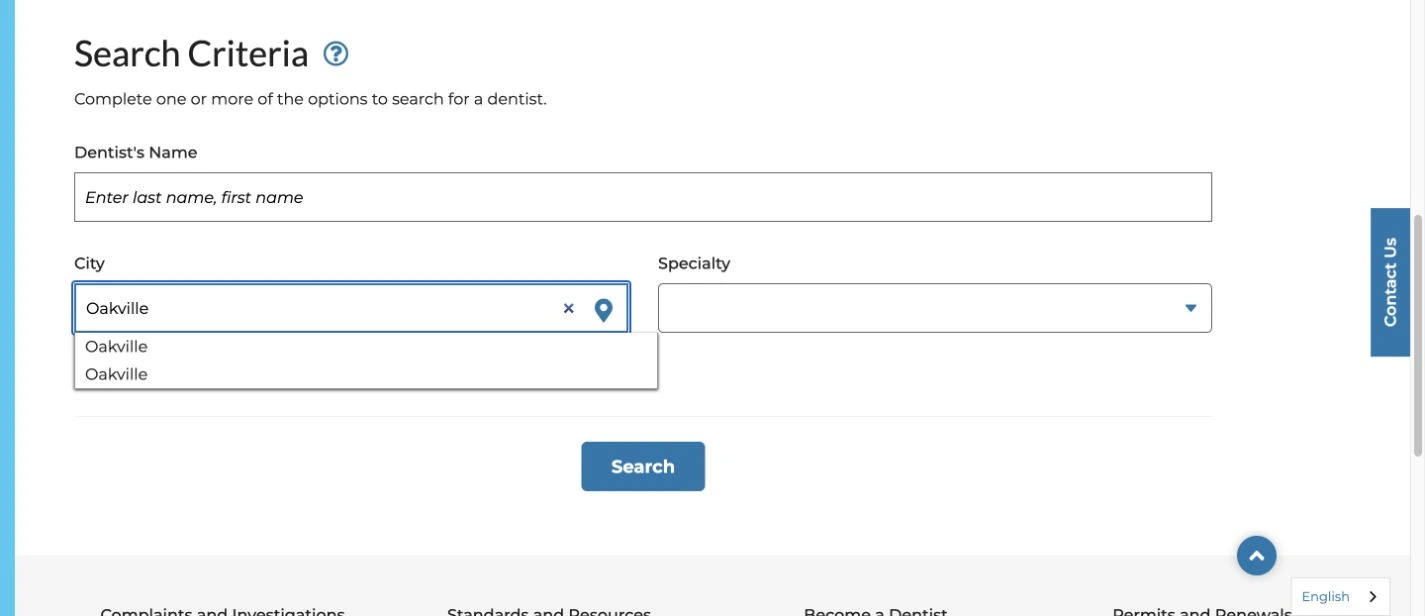
Ontario’s public dentist register provides a route to verify registration information. A website should not imply a specialist designation based on a marketing phrase or an unreviewed biography.
Keep the distinction between educational content and individual clinical advice clear. A prospective patient needs enough information to ask an informed question, while the practice must determine the appropriate clinical next step.
Use a treatment-to-booking map
This hypothetical planning example shows how pages can work together without inventing a clinic or patient result.
| Patient task | Main page | Useful next step |
|---|---|---|
| Understand a treatment offered | Relevant treatment explanation | Ask the practice about an assessment |
| Check where to attend | Actual clinic location page | Review entrance and arrival information |
| Identify the practitioner | Approved practitioner profile | Verify credentials and role |
| Request an appointment | Booking or contact page | Receive confirmation from the practice |
Review the route on a phone. Check whether someone can find the telephone number, understand the form and distinguish an appointment request from a confirmed booking. Avoid sending test requests through a live form without arranging them with the clinic.
Keep the Business Profile consistent
Match the profile’s core business facts to the website and maintain accurate hours. Choose categories and services that describe the eligible practice accurately. Google explains local results through relevance, distance and prominence; adding location terms to copy does not remove distance from the equation.
Our guide to optimising a Google Business Profile covers the profile work. Use the website to provide the detail that helps a person make their next decision.
Assign a maintenance owner
Keep a simple record of who reviews treatment explanations, practitioner information and arrival details. These facts may change on different schedules. When one changes, check its related pages and profile entries together. That reduces the risk of a current booking page linking to outdated clinic information, while keeping the review focused on information the practice can verify.
Measure the quality of the journey
In Search Console, review the treatment and clinic pages separately. Look for relevant impressions and clicks rather than treating every broad dental query as a target. In analytics, distinguish visits, appointment requests and appointments confirmed by the practice.
Before creating more location pages, review our guide to service-area page planning. One well-supported clinic page is a better starting point than several pages with interchangeable information.
SERP Radius’s SEO services for Oakville businesses can help turn this inventory into a practical page and internal-link plan, grounded in the practice’s approved facts.