
Google Business Profile service areas tell customers where you provide service. Set them to match the operation, then make service-specific limits clear on the website. The settings describe coverage; they do not stop people elsewhere from finding the business or sending an enquiry.
For a Burlington contractor, planned projects and urgent calls may have different travel limits. If the website promises the same availability everywhere, a correct profile alone will not prevent unsuitable requests.
Establish the business model first
A service-area business visits or delivers to customers without receiving them at its business address. A hybrid business also serves customers at its location. Review the actual operation before deciding how to represent the address.
Use Google’s service-area guidance for the arrangement that applies. Avoid presenting a mailing address or borrowed venue as a staffed branch. Serving a city and operating an eligible location there are separate facts.
Describe coverage you can actually deliver
Begin with the services rather than a list of attractive city names. For each service, define the regular job area, timing constraints and any exceptions that matter before an enquiry.
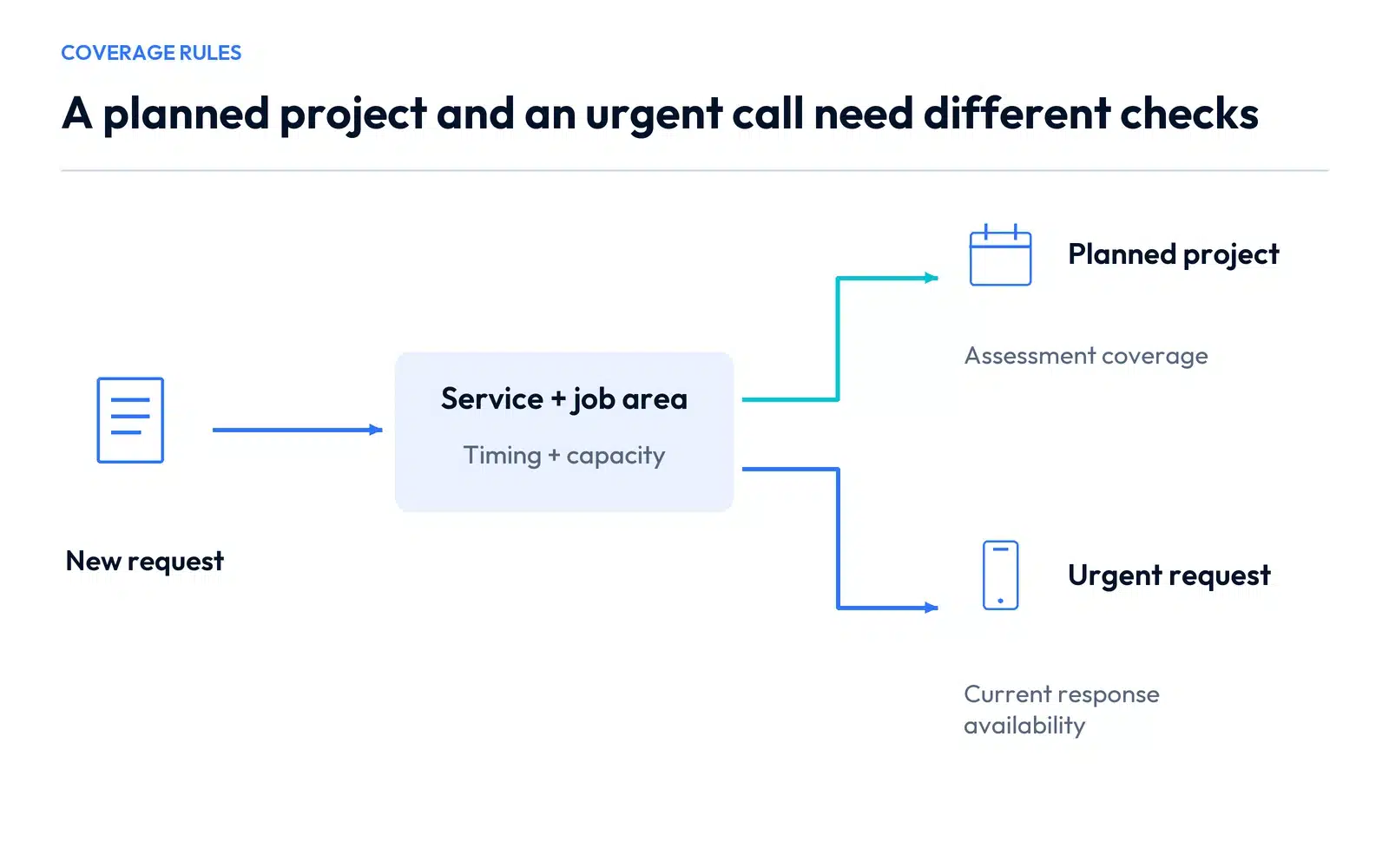
A contractor offering planned patio work and urgent repairs can use a coverage rule like this:
| Service decision | Information the prospect needs | Information the team needs |
|---|---|---|
| Planned project | The areas considered and how an assessment is arranged | Job location, work type and proposed timing |
| Urgent request | Where urgent service is actually available | Exact job area and current team availability |
| Outside regular coverage | Whether exceptions are considered and under what conditions | Scope sufficient to decide whether the exception is realistic |
Apply the real boundaries to this structure. A larger project may justify different travel arrangements, but the website should not imply that every service is available under identical conditions.
Check the actual service-area settings
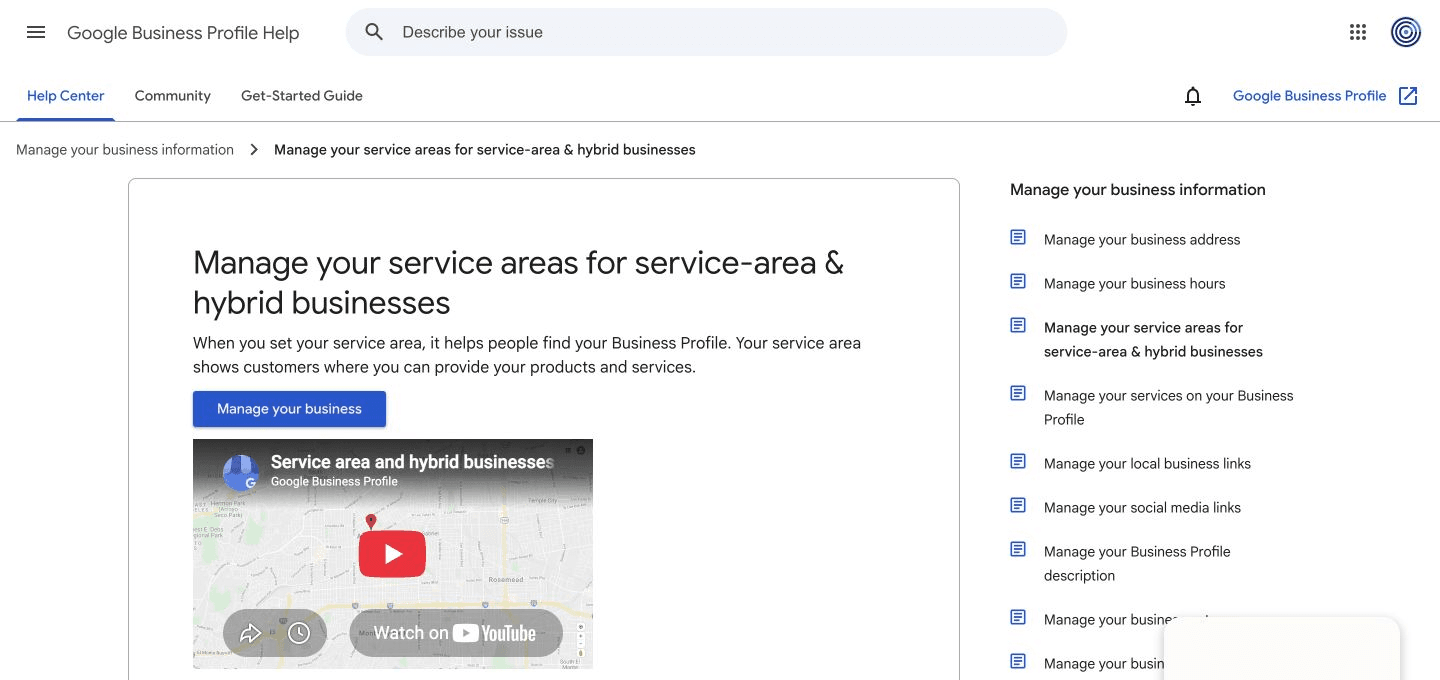
In the Business Profile, open Edit profile, then Location. Edit the Service area, choose or enter the named places you serve and save. To remove an area, return to the selected areas and remove the one you no longer cover.
Google allows up to 20 named service areas, including cities or postal codes, and says the overall boundary should generally stay within about two hours’ driving time from the base. It does not use a custom radius for these settings. Select accurate coverage instead of trying to fill every slot.
Check the resulting status and public information after processing. Keep an address displayed only where that accurately reflects the eligible operating model.
Keep settings separate from ranking expectations
Adding an area communicates service coverage. It does not establish that the business will be selected for every competitive search inside that area or excluded from searches outside it.
When visibility is the concern, record the service query and search location and review the relevant results. When unsuitable contacts are the concern, investigate the page or channel that led to the enquiry. Those two questions can require different work.
The missing-Maps guide helps distinguish an unavailable listing from a live profile with weak service-query visibility.
Make coverage clear before the form
Put the useful limit beside the next action. For planned work, explain where assessments are considered. For urgent requests, explain that availability must be confirmed. Ask for the job’s city or postal code and the requested service.
A first-contact form can use four fields that help the team assess the request: work type, job area, preferred timing and a short description. Ask for further details after the team establishes that it can help.
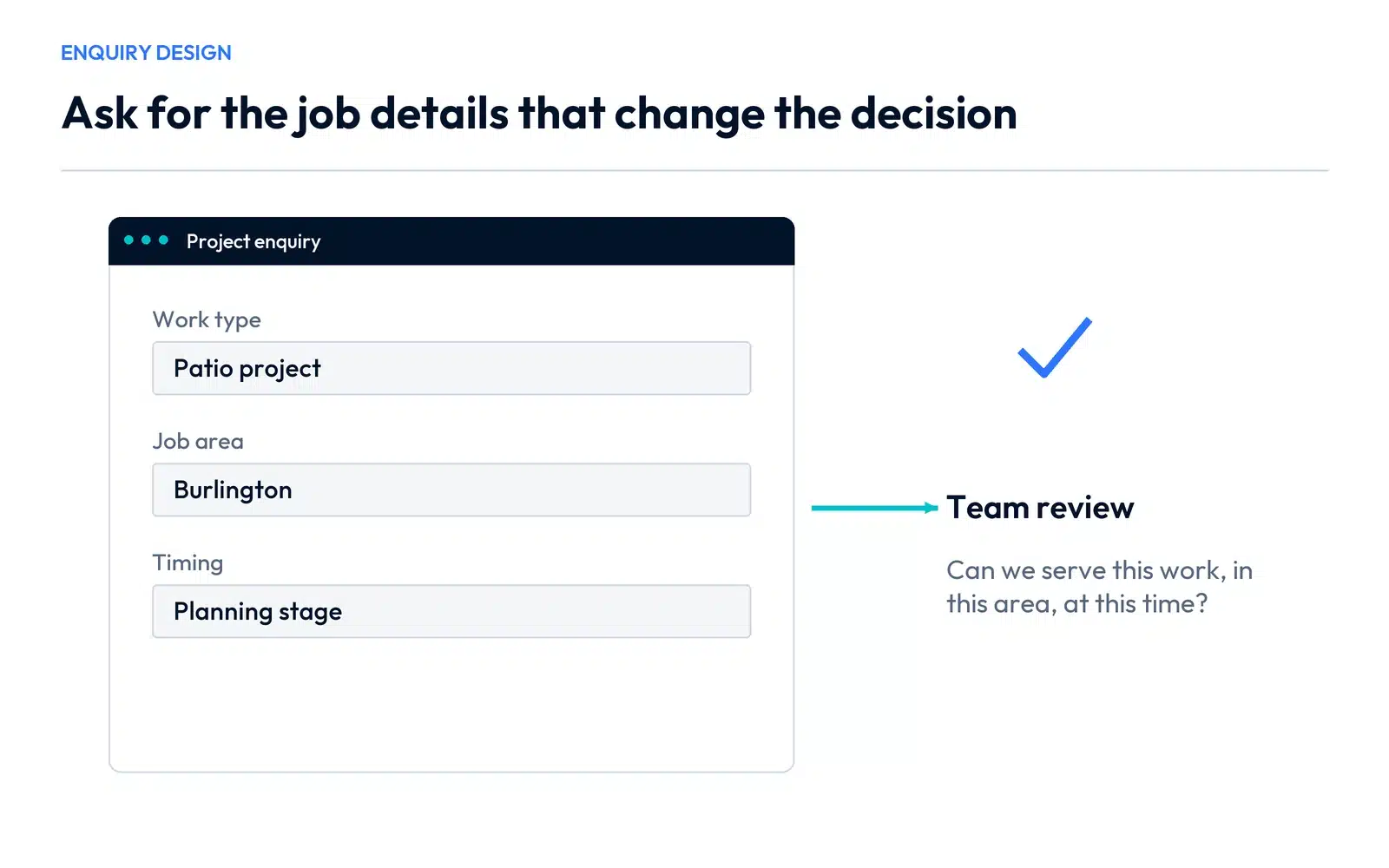
Explain what happens next. If the team reviews the area before arranging a visit, say so. Avoid an instant appointment promise when coverage requires a manual decision.
Find the source of wrong-area enquiries
Review actual contacts and group them by requested work, job area and fit. Where possible, identify whether they came through organic search, an ad, a referral or another route.
Check the source before changing the profile:
- A page promising service “everywhere” needs clearer wording.
- An ad reaching unsuitable locations needs a campaign-targeting review.
- A referral about work you do not offer needs a more useful service page to share.
- A form that omits the job area may need a short qualification field.
Keep the reason a request was declined. That tells you whether the problem is geography, service scope or availability, rather than treating every unsuitable enquiry as the same issue.
Choose useful pages rather than multiplying city URLs
One regional coverage page can work when the information and offer are shared. Separate pages make sense when customers need distinct service availability, delivery, project or arrival information.
Use the service-area page checklist before expanding the website. A genuinely additional branch calls for the multiple-location checklist.
Our Burlington SEO services can review coverage language, relevant search results and enquiry qualification together. Contact SERP Radius with the work you accept and examples of unsuitable requests so we can assess the website alongside your Google Business Profile service areas.