
Retail SEO helps Burlington shoppers discover what your store sells, confirm whether the item meets their needs and plan a useful visit. Connect the store page, product categories and collection information so a customer can move from “who sells this?” to a clear next step.
A local shop can be familiar to its regulars while remaining unknown to people living nearby. For your store, the first check is whether people can find products without already knowing the business name.
Begin with the questions staff answer repeatedly
Ask the team which product requests lead to calls, which ranges attract repeat visits and what people need to confirm before travelling. Group those requests into a few useful categories rather than building a page for every wording variation.
Use writing useful content for the specific search task when planning the copy for those pages.
If you sell indoor plants, pots and potting supplies, each category has a different buying question. The plant shopper may need a suitable type and care information. The pot shopper needs dimensions and drainage details. Someone looking for potting mix needs the product, bag size and collection options.
That gives the website a practical structure:
| Customer question | Best destination | Useful information |
|---|---|---|
| Do you sell indoor plants? | Indoor-plant category | Actual range, representative photos and the way availability is checked |
| Will this pot fit? | Product detail | Dimensions, variant and relevant product features |
| Can I collect potting mix? | Product and collection information | Exact item, availability confirmation and pickup instructions |
| Where do I visit? | Store/contact page | Current hours, address, entrance and contact route |
The aim is a small set of maintained pages that answer real questions. A thin page for every colour, city and keyword would be harder for staff to keep accurate.
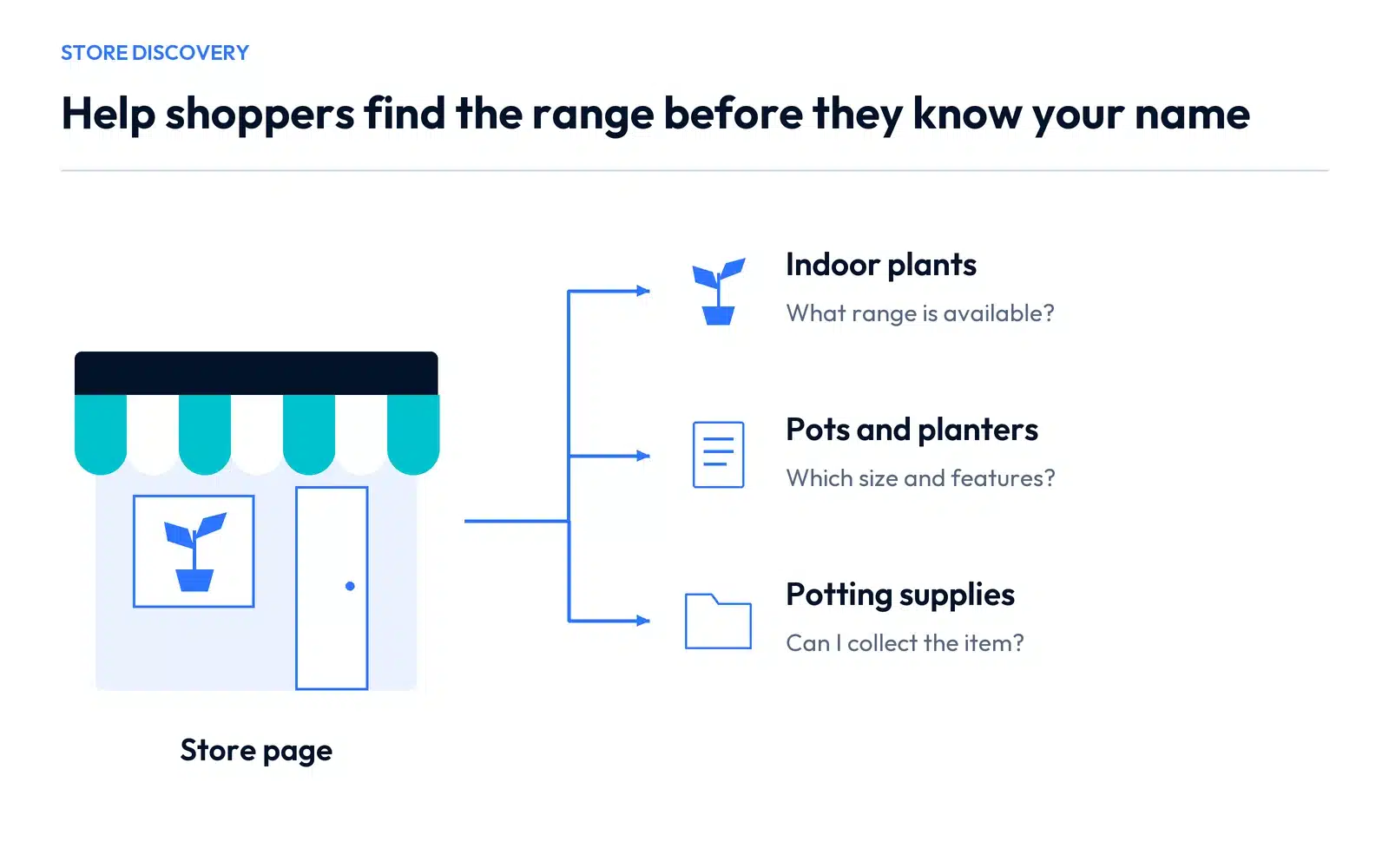
Make the category page useful before expanding the catalogue
Write a heading that names the range plainly. Explain what the store actually carries, use photographs that represent the products, and link to meaningful product details where those details can be maintained.
Replace vague phrases such as “quality products for everyone” with the distinctions people ask about. Those might be sizes, materials, specialist ranges, refills or ordering services. Include only what the store genuinely provides.
Link important categories from the store homepage and navigation. A customer should be able to reach the relevant range on a phone without searching through social posts or a photograph of a printed product list.
Show availability at the level you can maintain
“In stock,” “available to order” and “contact us to confirm” are different promises. Choose the statement your inventory process supports. A broad category description does not establish that every item pictured is ready for collection.
The same principle underpins a site structure that connects categories and product detail.
A useful product module can read:
Indoor potting mix, 10 L
Check availability with the store before travelling. Collection is available after the order is confirmed ready. Include the product name and bag size when enquiring.
Use a product and process that match your own catalogue. If stock is synchronized reliably, display the supported current status. If it is checked manually, make the confirmation route prominent. Assign responsibility for updates so an accurate page does not become an outdated promise.
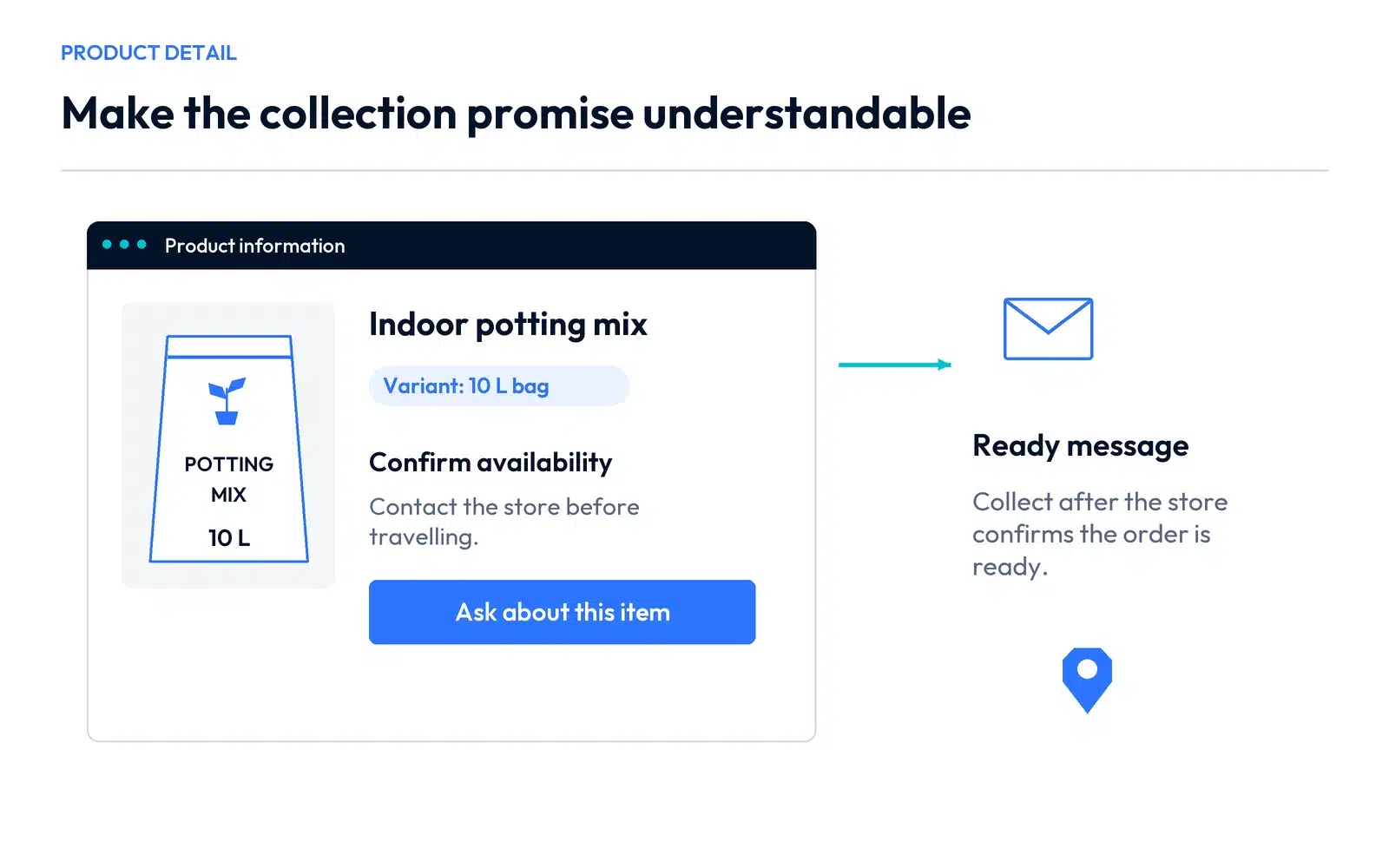
Explain what happens between ordering and collection
Identify the actual collection point, relevant hours and whether the customer must wait for a readiness message. Keep local delivery coverage separate from pickup. Being able to collect an item in Burlington does not establish delivery availability to every surrounding area.
Check order and enquiry confirmations as well as the product page. The customer needs the same branch and instructions in both places. If a third-party ordering system supplies the message, include it in the review.
Google’s ecommerce product-data guidance explains options for sharing product information. Assess feeds or structured data after the visible product details and underlying inventory process are accurate. Those tools cannot resolve uncertain stock on their own.
Make the physical store easy to recognize
Review the public Business Profile beside the website. Confirm the address, normal and special hours, phone number, website destination and appropriate category. Use Google’s local ranking guidance when assessing visibility; repeated city names are not a substitute for relevance, location and established business information.
Include a clear entrance photograph if the store is difficult to identify from the road or parking area. State any useful unit or access details. Photographs of the real premises and current range help visitors connect what they found online with what they will see on arrival.
Test one product journey before adding more pages
Choose an important range and follow it on a phone: homepage, category, product, availability check and collection information. Ask someone unfamiliar with the site whether they know what to do next.
Then review actual enquiries with staff. Record the requested product and the reason the store could or could not help. Questions about unavailable stock, unclear variants or the wrong collection point point to specific improvements. A directions click alone does not tell you whether the shopper arrived or bought anything.
Our Burlington SEO services can review a small set of commercially important categories and the route to a store enquiry. Contact SERP Radius with the ranges you want shoppers to find and the questions staff keep answering. Those are useful inputs for practical retail SEO.